

Service conversion site
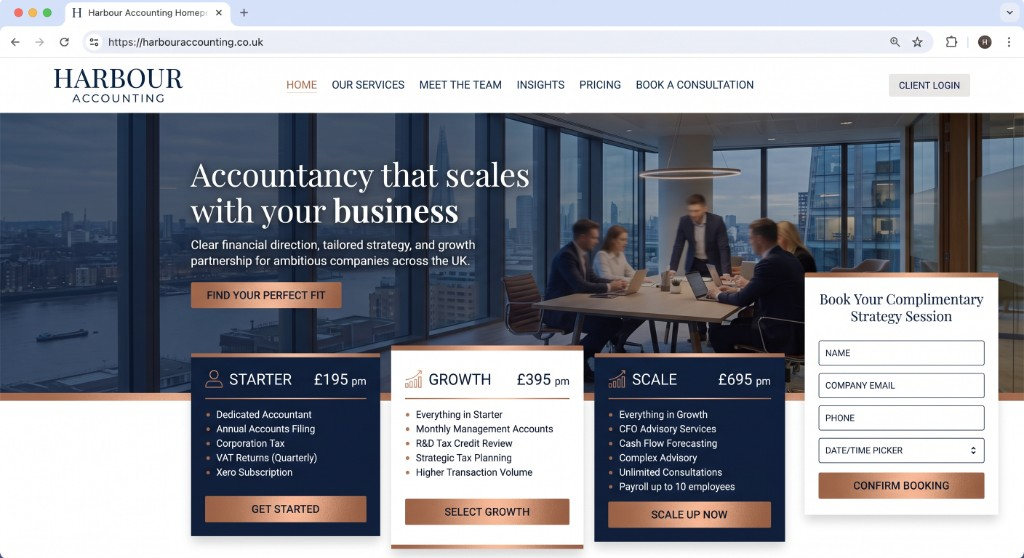
Harbour Accounting
OutcomeDiscovery call bookings
TypeServices website
Learn more
35Procurement · Case study
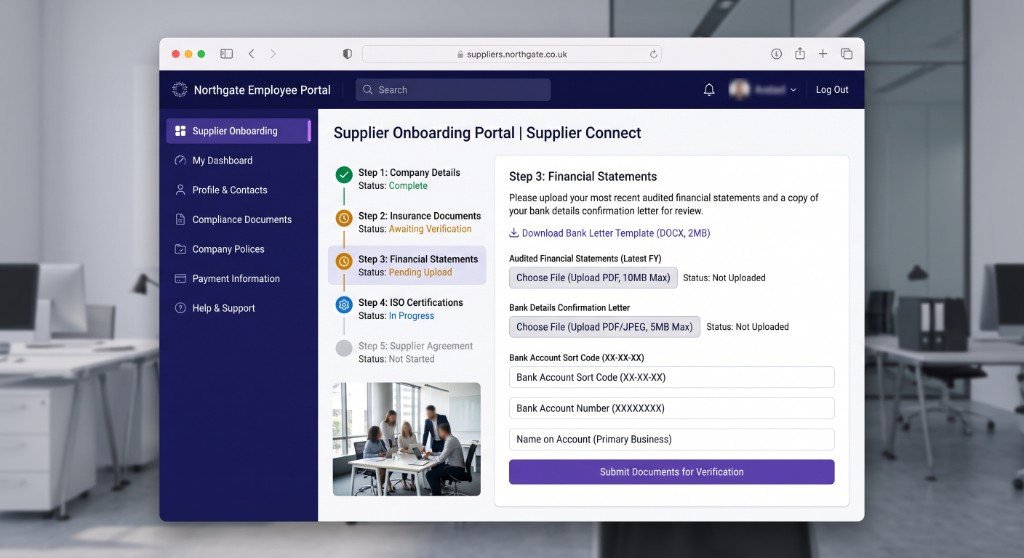
Supplier portal — PO history, document upload, and approval workflows. We delivered the staff portal as a live conversion surface for supplier onboarding.
01The delivered site
The layout we shipped for this project — desktop first, with a phone view where we have one.
02The brief
What we were hired to fix
Supplier Connect needed a staff portal that did one commercial job: supplier onboarding. Supplier portal — PO history, document upload, and approval workflows.
The constraint was not “more pages”. It was a procurement audience who would leave if the next step was vague. We treated that as the brief, not a later optimisation.
We shipped a finished staff portal — copy, layout and conversion path — so the team could run supplier onboarding from a URL they own.
03What we delivered
We built Supplier Connect as delivered work, not a concept. Structure, proof and the supplier onboarding path were designed together, then implemented as a maintainable front end.
Every block on the page has a job: explain the offer, show evidence, and move a real person to supplier onboarding. If it did not do that, it did not ship.
Pick, pack, route, count or onboard — we start from the job on the floor, not a module catalogue.
Status, exceptions and the next action on one screen. Colour is for flags, not decoration.
Warehouse, drivers, suppliers and desk staff see the same job, not three versions of the truth.
New locations, routes or job types slot in without replacing the desk they already learned.
04Outcomes
Visitors can complete supplier onboarding without a sitemap. The action sits where the offer is.
Supplier Connect reads as a procurement staff portal — not a reused template with the logo swapped.
The same structure takes a new offer, SKU or workflow without starting again.
Next step
A short call with the person who would run it — not a sales script.